Industrial Field Service
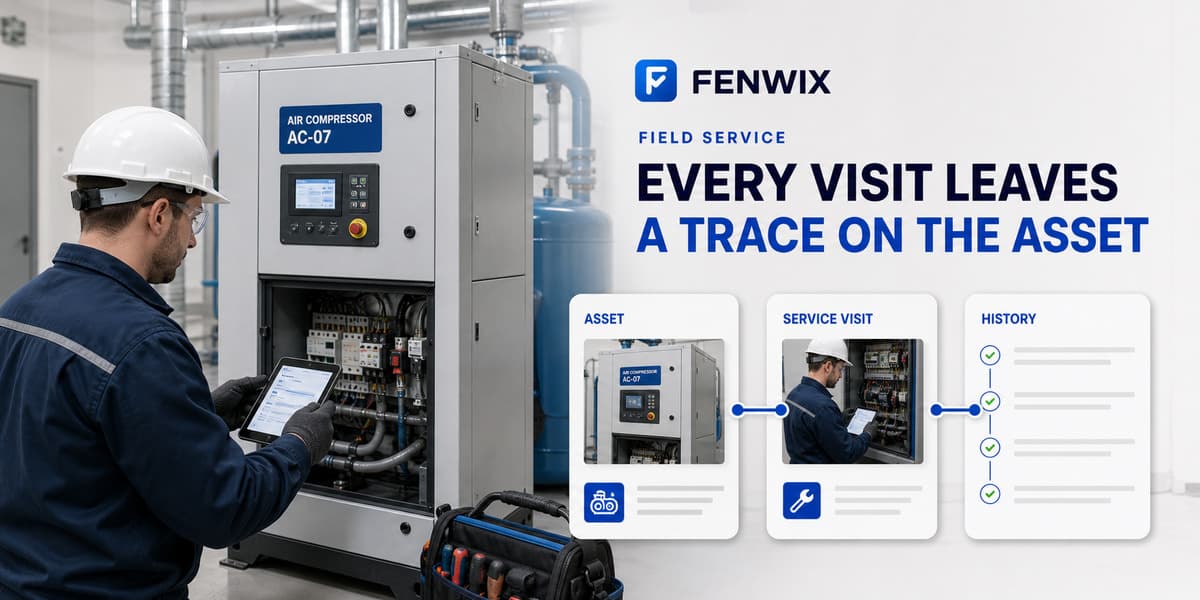
Every visit leaves a trace on the asset
A service tech sees a machine twice a year. The machine's history should not depend on what the last tech remembers.
The problem in field service
The customer asks why the compressor failed three weeks after your visit. Your defense is the record of that visit: what was checked, what was measured, what was flagged, what the customer was told. If that record is a carbon-copy form in a van, you have no defense. Fenwix keeps the visit as a sealed, versioned record tied to the asset's own history.
A service inspection in Fenwix
- 1Scan the QR on the unit: inspection history, open findings and status appear
- 2Run the equipment template, taking photos and voice notes as you go
- 3Flag defects as findings with risk, action and due date
- 4Critical defect? Fenwix offers to mark the asset out of service
- 5Hand the customer the PDF before you drive off
What the record carries
- Per-asset inspection lineage: every visit adds to the same history
- Out-of-service state that warns on the next scan of that asset
- Photos hashed at write time, originals never overwritten
- A report number that stays fixed while corrections add revisions
Templates used in this field
Common questions
How do assets get into Fenwix?
Scan any QR or code on the unit. If Fenwix doesn't know it yet, the asset is created the moment you start an inspection against it.
Can the office see my inspections live?
No, there is no cloud sync today. The record lives on the device. You share the PDF or an export. Customer-owned sync is on the architecture roadmap, documented at fenwix.net.
What if I marked a unit out of service by mistake?
Return-to-service is a recorded state change: the history keeps both events rather than pretending the mistake never happened.
Complete the next inspection in one field record
Start with 24 hours of free local work. No Fenwix account is required for the core workflow.