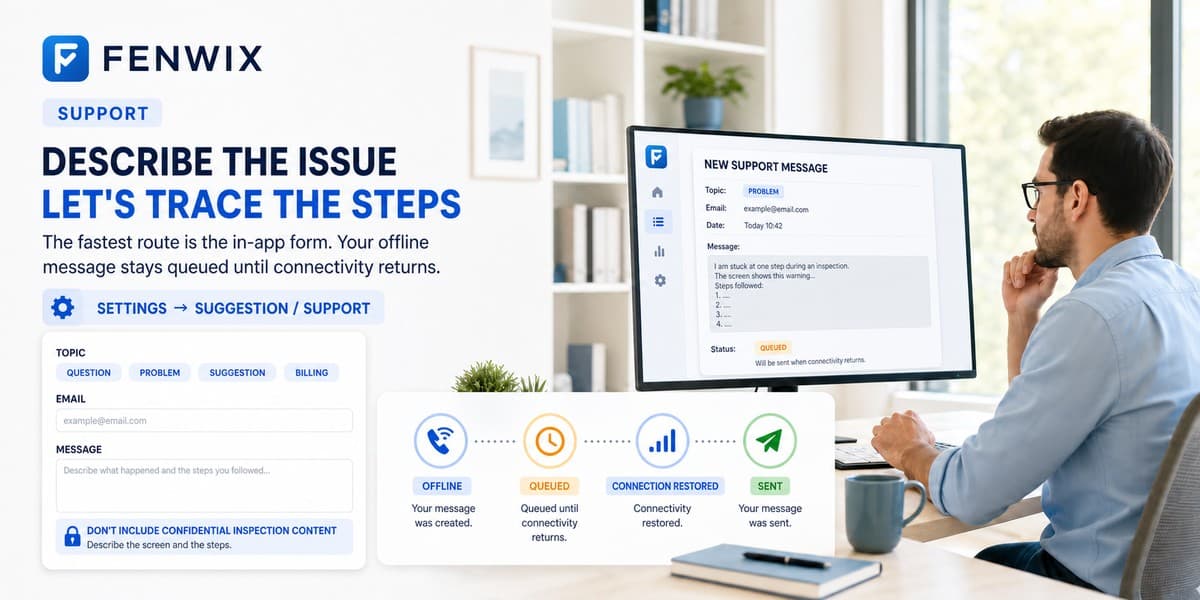
Support
The fastest route is the in-app form: Settings → Suggestion / Support. It works offline and queues your message until there is a connection. You can also write to us here.
Before you write
The app can't find my old inspections after a new phone.
Fenwix data lives on the device, not in a cloud account. Restore your Full Export backup on the new phone: Settings → Backup → Restore.
Report verification says 'record not found on this device'.
Verification runs against the device that holds the source record. Scan the QR on the phone the inspection was made on, or a phone restored from its backup.
My subscription ended and the app is read-only.
That is by design and your history stays open. Free users may save, share or print one report every 24 hours. Full Export, backup and verification keep working. Renewing re-enables new inspections.