Fleet & Vehicles
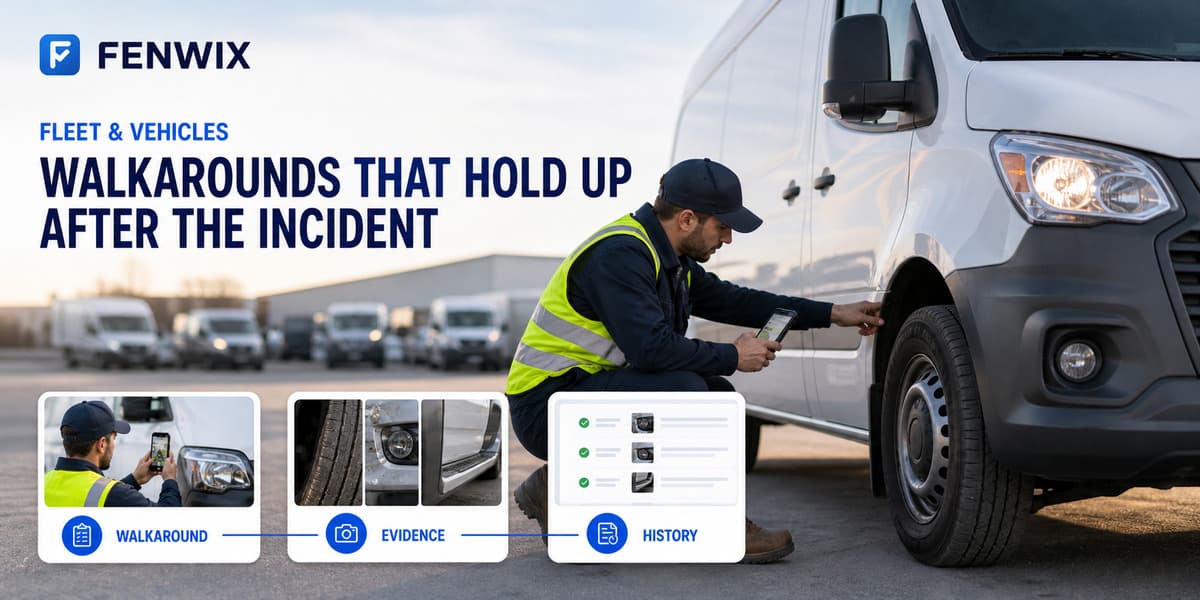
Walkarounds that hold up after the incident
The pre-trip check matters most on the day something goes wrong, when the question is what the record shows.
The problem with fleet checks
A paper DVIR gets signed in the cab and filed in a folder. After a brake incident, the question is: was the defect reported, when, and what happened next? Fenwix keeps each vehicle's walkarounds as its own history, the defect, the photo, the due date on the repair, and the verified fix.
A vehicle check in Fenwix
- 1Scan the vehicle's code: defect history and status open
- 2Run the pre-inspection template around the vehicle
- 3Photograph defects and raise findings for anything that needs the workshop
- 4A critical defect can put the vehicle out of service on the spot
- 5The PDF record is generated before the vehicle moves
What the record carries
- Per-vehicle inspection history via its code
- Defect photos hashed at capture
- Out-of-service state visible on the next scan
- Overdue repairs surfaced in the asset list
Templates used in this field
Common questions
Is this a legal DVIR replacement?
Fenwix produces a thorough, evidence-backed vehicle inspection record. Whether it satisfies a specific jurisdiction's DVIR requirement is your compliance call, Fenwix does not claim automatic regulatory compliance.
Multiple drivers, one truck?
Fenwix today is single-user per device. Each device holds its own records. The vehicle's printed reports carry the identity of whoever inspected.
Complete the next inspection in one field record
Start with 24 hours of free local work. No Fenwix account is required for the core workflow.