One source record
The report is composed from the completed inspection instead of a separate document draft.
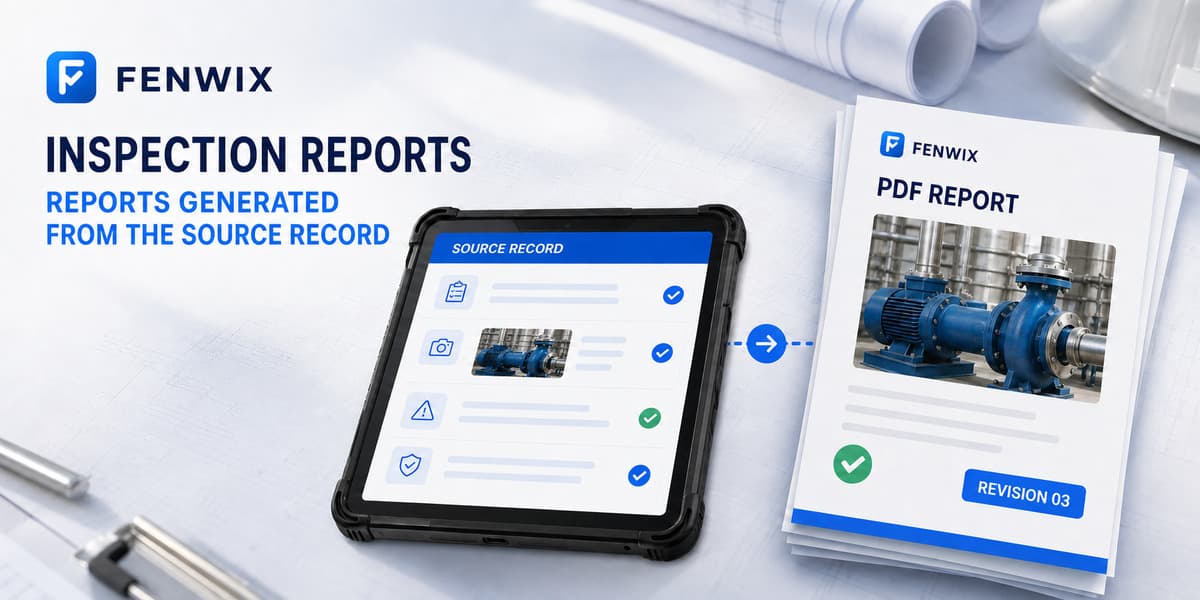
Inspection report app
CURRENTFenwix turns a completed Android inspection into a numbered PDF report using the local source record. Checklist results, findings, evidence references, signatures and revision context stay connected, reducing manual re-entry while giving reviewers a clear route back to the record used to produce the report.
The report is composed from the completed inspection instead of a separate document draft.
Issued records carry a report number while controlled changes increase the revision.
The verifier compares the report key with the local source record and linked photo files.
The report presents the organization and document identity, inspection context, summary, findings, actions, evidence references, verification information and detailed checklist results according to the current report flow.
A completed record is not silently overwritten. A controlled amendment returns it to an editable state, records the reason and produces a later revision while retaining the report identity. This makes a correction distinguishable from an unrelated new inspection.
Fenwix verification checks the stored source record using its supported manifest version and rechecks linked photo files where available. It can surface a mismatch or missing file. It does not prove that the real-world statement was true or that an exported PDF was never edited outside Fenwix.
Yes. A completed inspection can be rendered as a PDF from the local source record.
Yes. The document identity remains stable and the revision changes after a controlled amendment.
No public vendor-hosted verification page is currently claimed. Verification uses the supported local Fenwix source record.
An exported file can be changed outside Fenwix. Fenwix provides source-record integrity checks; it does not claim that any PDF file is impossible to alter.
Complete an inspection, generate its PDF and run the local verification path before adopting the workflow more broadly.
Try Fenwix on Google PlayContent status: CURRENT · Last reviewed: 2026-08-16
Claim basis: Fenwix current application flow · Fenwix product decision record · Fenwix.app aligned master brief