Work offline
Open, complete and save core inspections without relying on field connectivity.
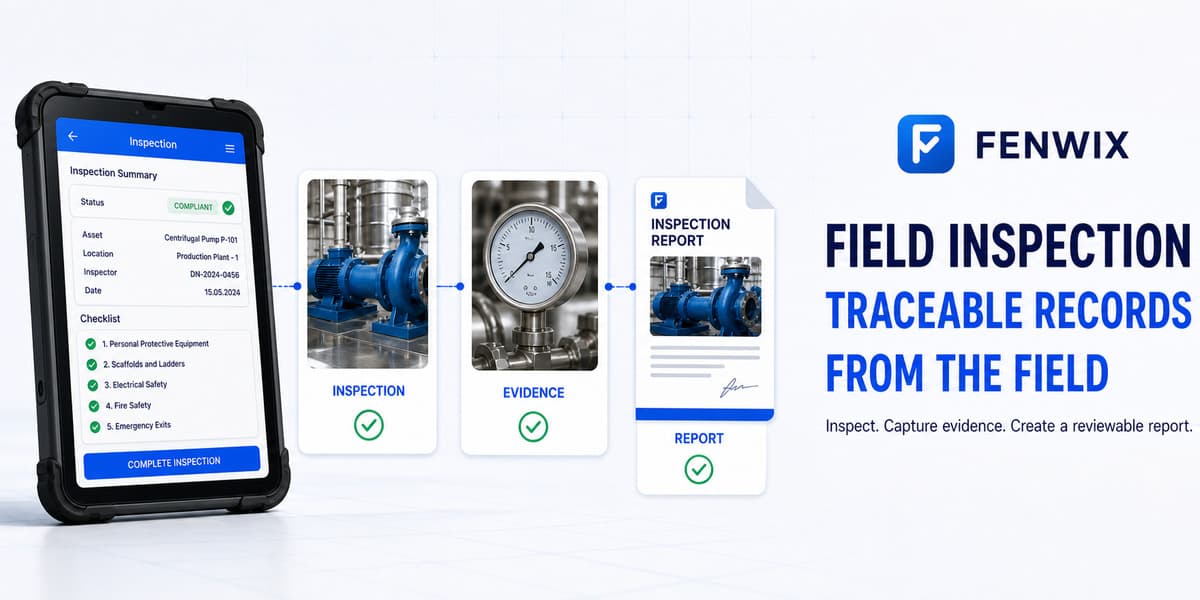
Field inspection app
CURRENTFenwix is an Android field inspection app for completing checklists offline, recording findings and photo evidence, following corrective actions and producing PDF reports from the source record. Core work stays on the device, so an inspection does not depend on a live connection or a Fenwix account.
Open, complete and save core inspections without relying on field connectivity.
Link notes, photos, findings, responsible people and due dates to the inspection record.
Generate a numbered PDF report and verify it against the local source record.
Use a ready-made or custom checklist, mark each item, add notes and capture observations while you are at the work area. A failed item can become a finding without copying the same context into another tool.
Basements, plant rooms, remote sites and temporary work areas often have weak or restricted connectivity. Fenwix writes the core inspection record locally first. Network access can return later without blocking the inspection itself.
A checklist is only the start. Fenwix connects a nonconformity to evidence, a corrective action and a verification step. The completed record can then be issued as a PDF with a report number and revision context.
Yes. The core Solo inspection flow is offline-first and stores work locally on the Android device.
Yes. Photos, annotations, notes and findings can be linked to inspection items, with corrective-action details where needed.
Yes. A completed inspection can produce a numbered PDF report from the local source record.
Fenwix is distributed through Google Play. Current availability and pricing are shown on the store listing.
Existing records remain accessible. The entitlement controls new work rather than removing historical access.
Install Fenwix on Android, choose a checklist and test the complete path from field evidence to the final report.
Try Fenwix on Google PlayContent status: CURRENT · Last reviewed: 2026-08-16
Claim basis: Fenwix current application flow · Fenwix product decision record · Fenwix.app aligned master brief