Local first
The inspection is saved on the device before any network-dependent action.
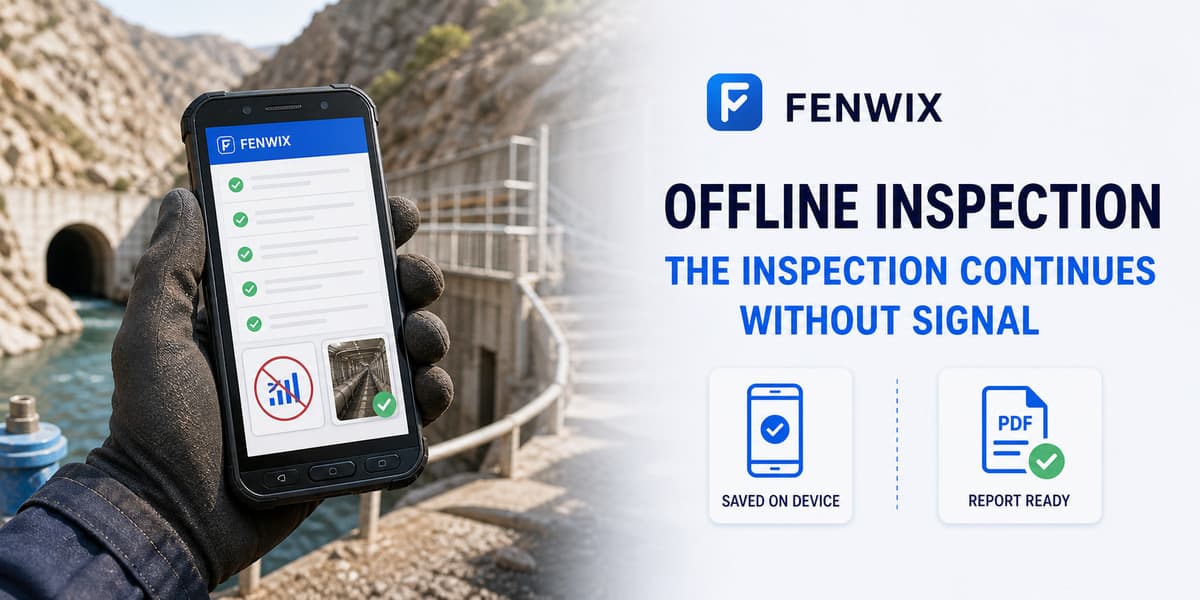
Offline field inspection
CURRENTFenwix is an offline-first field inspection app for Android. Core inspections, checklist answers, findings and evidence are written to local app storage, so weak reception does not block the job. Current Solo operation does not require an account or a vendor-hosted inspection database.
The inspection is saved on the device before any network-dependent action.
Progress is persisted during the inspection instead of waiting for final submission.
Shared cloud synchronization and customer-storage connectors are not current features.
Inspectors can open local templates, answer items, add notes, create findings, attach local evidence and complete the source record without relying on a live service. Report creation also uses the local record.
Operational inspection content is kept in encrypted app-private storage on the Android device. Fenwix does not operate a hosted inspection-content database for the current Solo workflow. Users decide when to save reports, export, share or back up data.
A genuine offline workflow must treat local persistence as the normal path, not as a temporary screen waiting to submit. Fenwix separates current local operation from future synchronization claims so teams can evaluate what works today.
The core inspection and local report workflow is designed to work from device storage without a live account session.
No. Local operation and backup are different. Users should create and verify backups appropriate to their device and risk.
No. Google Drive is the first planned connector direction, not a currently available synchronization feature.
Yes. PDF generation uses the local source record and does not require a hosted inspection database.
Use a real checklist in the work area, complete it offline and confirm the report and backup path before operational rollout.
Try Fenwix on Google PlayContent status: CURRENT · Last reviewed: 2026-08-16
Claim basis: Fenwix current application flow · Fenwix product decision record · Fenwix.app aligned master brief