Capture the condition
Record the result, note and photo while the work area is in front of you.
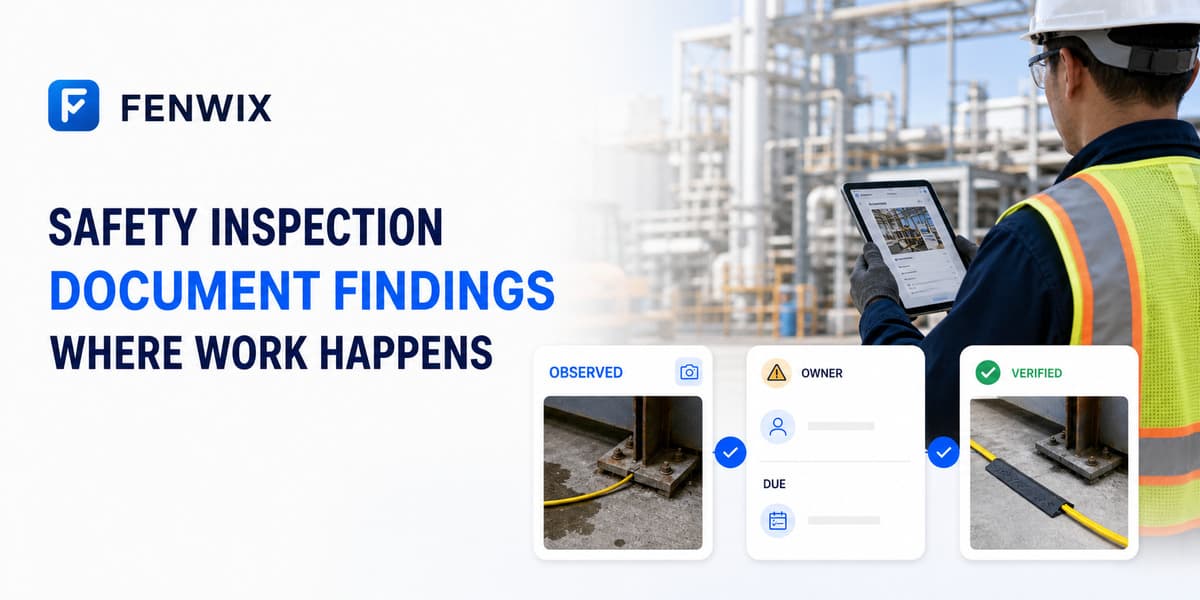
Safety inspection app
CURRENTFenwix helps safety professionals run workplace inspections on Android, even when the site is offline. Inspectors can record checklist results, hazards, photos, immediate measures, owners and due dates in one source record, then verify corrective evidence and issue a PDF report for review.
Record the result, note and photo while the work area is in front of you.
Connect a finding to an owner, target date and corrective evidence.
Treat evidence submission and acceptance as separate steps.
A structured checklist creates consistency, but field judgment still matters. Fenwix keeps the item result, explanatory note, evidence and finding connected so the reviewer can understand what was observed and what happened next.
A safety observation should not disappear into a report. Record the immediate measure, likely cause, responsible person and target date; attach completion evidence; then verify the result before closing the finding.
Completed inspections can be issued with a stable report number and revision. Source-record verification helps a reviewer check the stored record and linked photo evidence on the device.
Yes. Fenwix supports checklist-based safety inspections, findings, evidence and corrective follow-up. The organization remains responsible for choosing suitable controls and content.
No. It documents inspection work and evidence; it does not guarantee compliance with law, a standard or a management system.
Yes. Evidence can be submitted first and the finding can be verified and closed as a separate action.
Yes. The core Solo flow is designed to operate with local device storage and no live connection.
Run one site walk, record a real finding and follow it through evidence, verification and reporting.
Try Fenwix on Google PlayContent status: CURRENT · Last reviewed: 2026-08-16
Claim basis: Fenwix current application flow · Fenwix product decision record · Fenwix.app aligned master brief