Stable asset identity
Keep a named equipment record instead of relying only on free-text site notes.
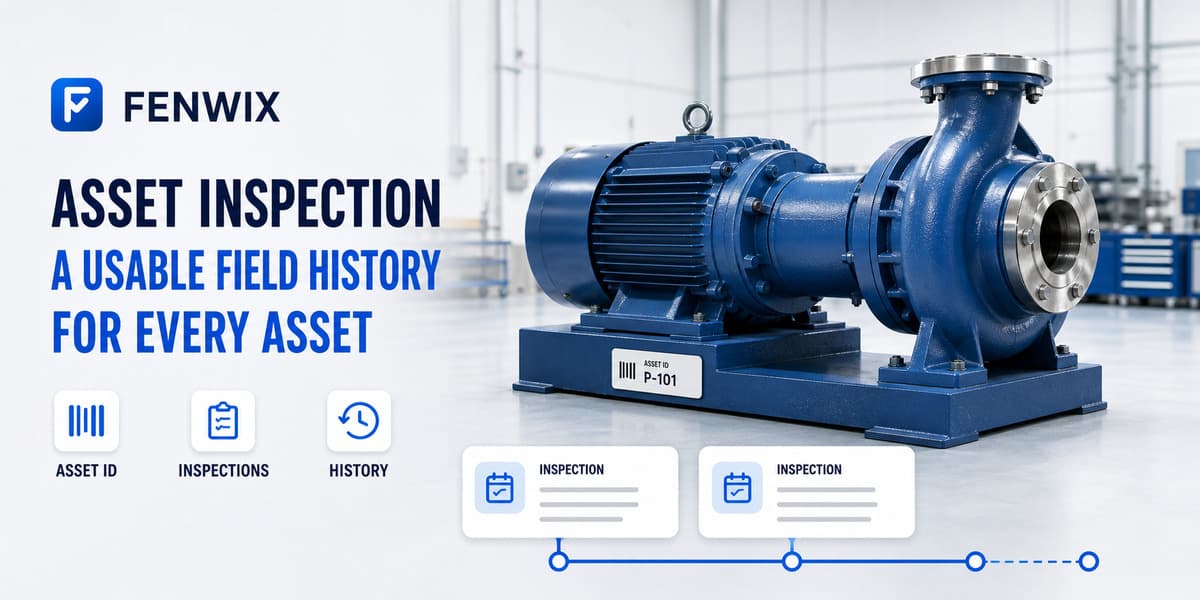
Asset and equipment inspection
CURRENTFenwix links inspections to an asset record so equipment identity, site context, inspection history, next due date and out-of-service status stay together. Inspectors can search the register or scan a QR or barcode, then start the relevant checklist from the identified asset.
Keep a named equipment record instead of relying only on free-text site notes.
Review prior inspections and due information from the asset workflow.
Use QR or barcode scanning to find or create an asset association.
An asset record gives repeated inspections a consistent subject. Fenwix can retain the asset name, code, site context, inspection interval, last inspection, next due date and service state without rewriting those facts as a new note every time.
Before starting, the inspector can see whether the asset is due or out of service and review prior inspection links. This supports a more informed check without pretending that past status proves the current condition.
A QR or barcode helps locate the intended record. It does not authenticate the physical object, confirm calibration or certify suitability. The inspection and evidence still establish what was checked.
Yes. Assets can be surfaced by due state, including equipment that has not yet been inspected.
Yes. The local asset record can carry an out-of-service state.
Yes. Linked inspection history can be reached from the asset workflow.
No. The current capability is a local inspection-centred asset register; enterprise shared data is roadmap scope.
Create or identify an asset, complete its checklist and confirm how its history and next due state support the next visit.
Try Fenwix on Google PlayContent status: CURRENT · Last reviewed: 2026-08-16
Claim basis: Fenwix current application flow · Fenwix product decision record · Fenwix.app aligned master brief