Faster lookup
Move from the physical label to the local asset record without searching long lists.
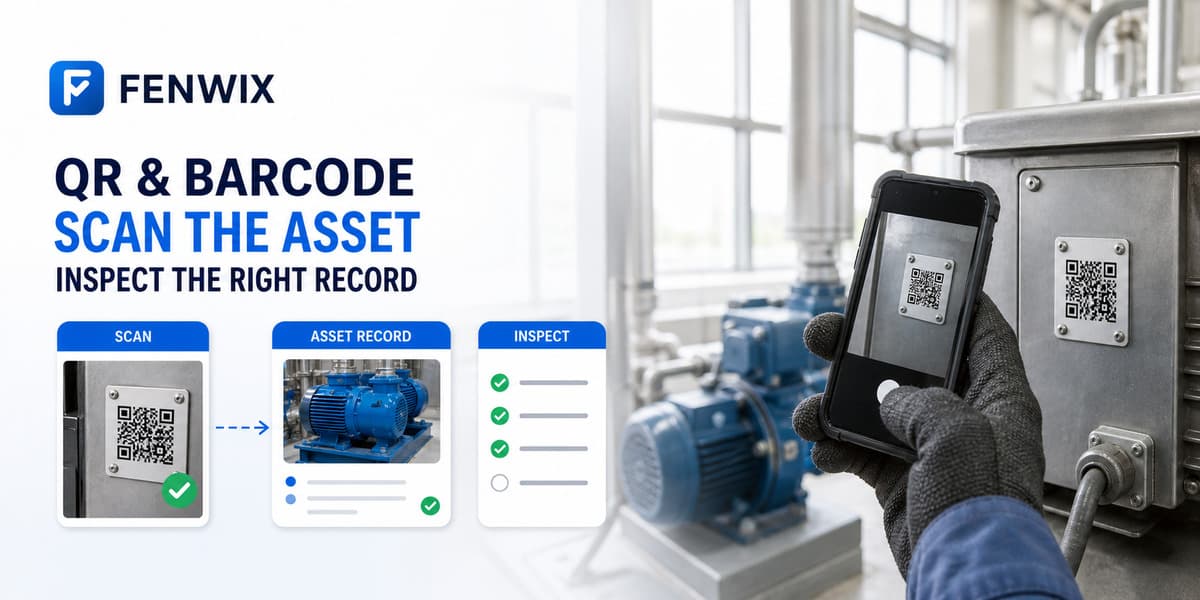
QR and barcode inspections
CURRENTFenwix uses QR codes and barcodes as field identifiers for asset-centred inspections. A scan can locate a known local asset or start a deliberate registration path for an unknown code, reducing manual lookup while keeping the resulting inspection attached to the intended equipment history.
Move from the physical label to the local asset record without searching long lists.
Treat an unknown code as a registration decision, not an automatic trusted record.
Start the inspection from the asset so results remain connected to prior and future checks.
When a code matches a local asset, Fenwix opens the asset context. If it is new, the user can create a record and provide the meaningful name, site and inspection context instead of silently trusting an arbitrary label.
A printed code can be copied, damaged or attached to the wrong object. Scanning improves speed and reduces typing, but the inspector still confirms the physical equipment and its context before relying on the record.
Scanning works with the local Fenwix asset register. It is not currently a lookup into a shared enterprise ERP, CMMS or cloud asset database, and no background cross-device synchronization is claimed.
Fenwix can use supported QR or barcode values to match or register a local asset record.
The user can deliberately create and describe a new local asset instead of accepting an unverified automatic match.
No. It helps identify a record. The inspector must still confirm the object and perform the inspection.
No current CMMS or enterprise asset connector is claimed.
Scan one real asset, confirm its identity and complete an inspection to verify that the history stays attached to the intended equipment.
Try Fenwix on Google PlayContent status: CURRENT · Last reviewed: 2026-08-16
Claim basis: Fenwix current application flow · Fenwix product decision record · Fenwix.app aligned master brief